Stardust Tide: A tide made of dust.
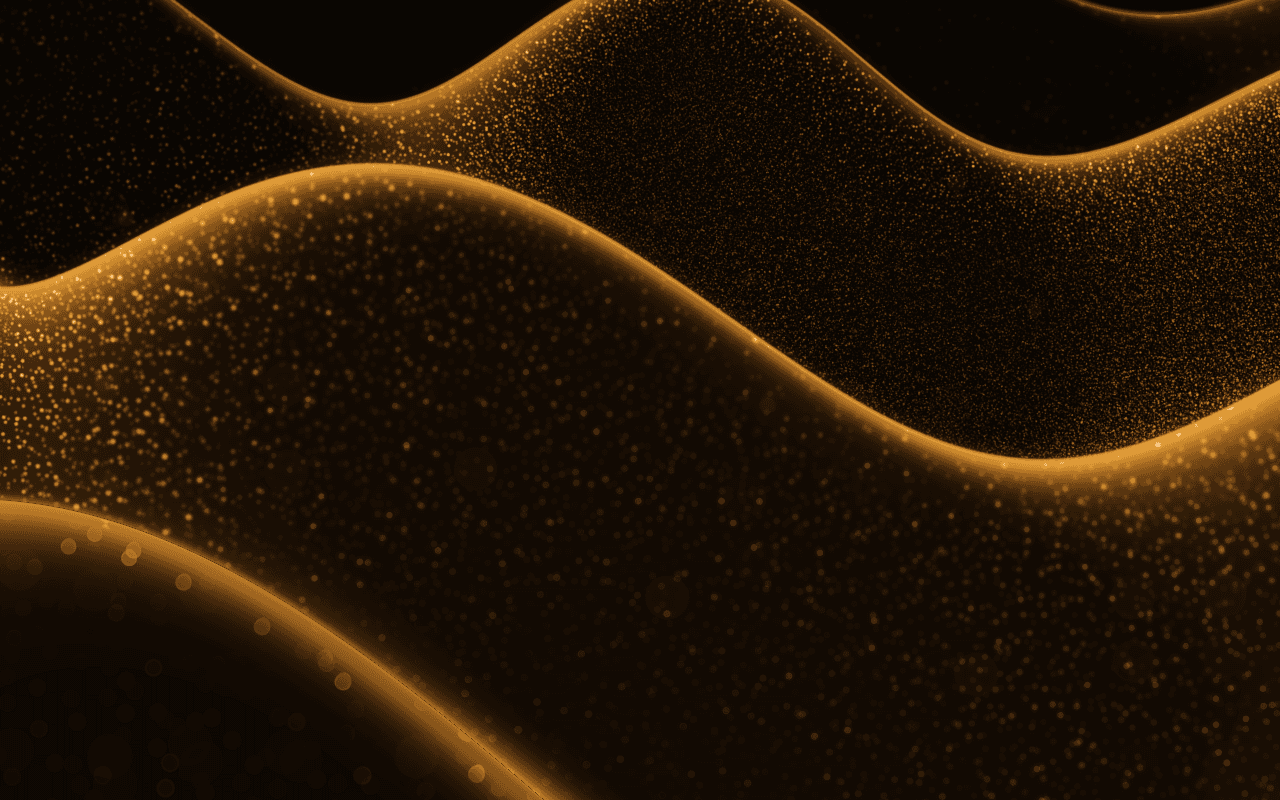
A WebGPU swell of glowing dust for React: millions of fine grains ride long, slow waves, burning bright along the crests, the nearest soft out of focus.
Part of Aperveil Shaders and Aperveil Pro · Coming soon. The live demo is open; editing and downloads open in a later release. Free shaders and blocks are available now.
Color Looks
THE SYSTEM BEHIND THE SURFACE
Inside Stardust Tide.
Stardust Tide builds a rolling swell out of dust, seen from high and far off through a long lens, so three or four curling crests cross the frame. Millions of fine grains ride the long, slow waves: dim on the slopes facing you, crowding into bright lines along the crests where you see the surface edge-on, with a soft haze over them. A few grains glint brighter than the rest, a few drift in the dark above, and the nearest open into soft discs out of focus. Move the pointer and the swell rises under it.
Stardust Tide draws its own grains; it is not a particle system you can feed, and it does not react to sound or scroll.
6.16 ms GPU timestamp median; p95 6.291 ms. 1440x900 @ dpr 1.25; Apple M2 (8-core GPU), Metal driver on macOS Version 26.6.2 (Build 25G83); measured 2026-10-20. This is a recorded headless sample, not a browser FPS or mobile-performance guarantee.
Density
How many grains make up the surface.
Grain size
How large each grain is.
Crest glow
How brightly the crests burn where the grains crowd edge-on.
Drifting grains
How many grains drift in the air above the swell.
Color Looks preserve these settings. Open the editor for all 16 controls.
THE SURFACE IN CONTEXT
Made for a real interface.
Set a cinematic mood for a launch, a music release or a space and science page: the swell across the lower frame, the headline in the dark above.
A film in three parts
Where the dust settles.
An illustrative premiere page with the swell of dust under the title.
An illustrative layout. Your content stays in HTML; the shader sets the atmosphere.
Try this surface in the editorAPERVEIL PRO
Coming soon.
The live demo is open above and in the editor. Editing its settings and downloading it open with Aperveil Pro in a later release. Free shaders and blocks are available now.
Explore shadersA FEW USEFUL DETAILS
Before you ship.
What this surface does, where it fits, and where it stops.
ANOTHER WAY TO SEE IT
Keep exploring.
YOUR COLORS. YOUR CONTEXT.