Particles: Dust in a beam of light.
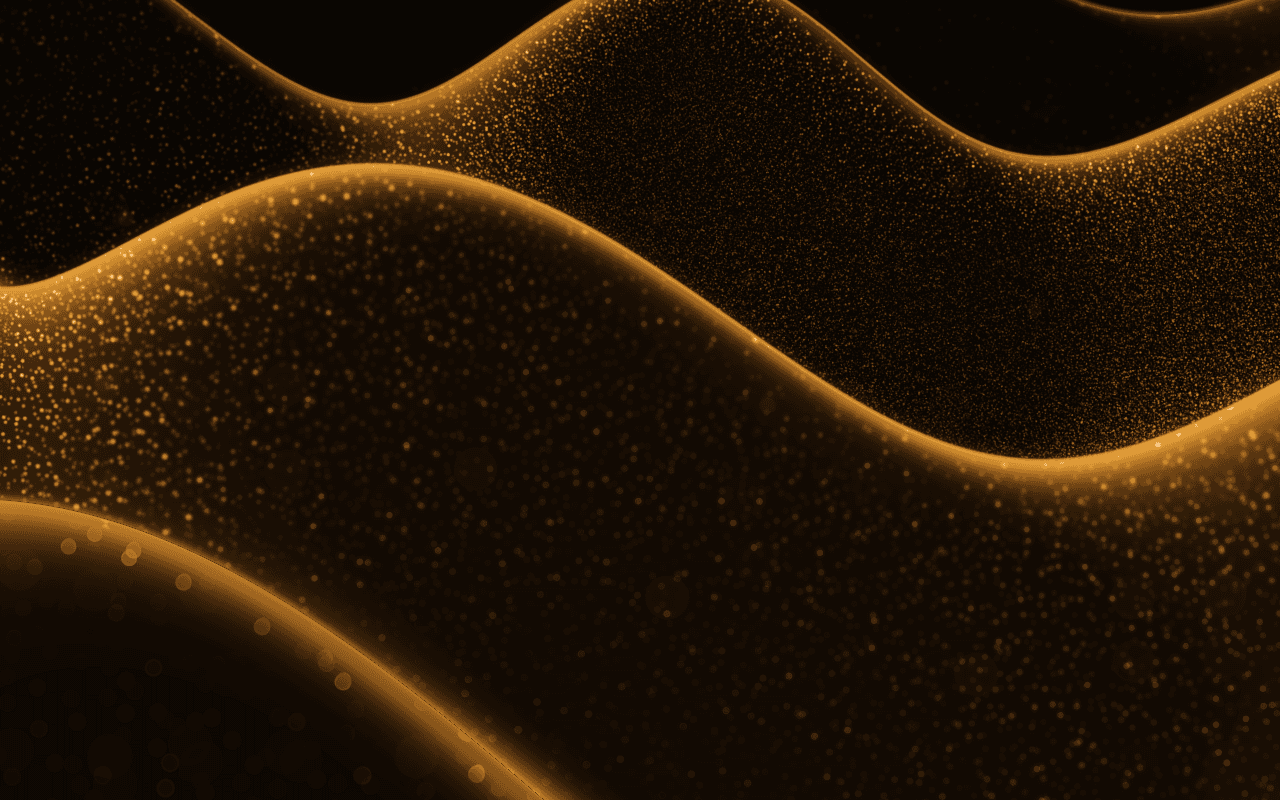
A particles background for React: dust motes drift through a beam of light in six depths, carried by slow air currents and stirred by the cursor, rendered live in WebGPU.
Part of the Free collection for Aperveil 1.0. Public live preview and Color Looks are open. Free Export Kits do not require an account. Purchasing is not available yet.
Color Looks
THE SYSTEM BEHIND THE SURFACE
Inside Particles.
Particles fills the air with dust motes and lets a beam of sunlight find them. Motes this size are carried by the air, not jostled by it, so neighbors turn together in slow currents; each wanders a little on its own and settles slowly. They are seen only where the beam crosses them, brightest because the light comes toward the eye, and flat flakes flash as they tumble. Six depths give the near motes size, softness and speed and the far ones fine, slow points. The cursor stirs the air into a swirl, and the room can be turned off so the particles float over your own page.
Particles draws motes in light, not a network: there are no connecting lines, no shapes and no text spelled out in particles. Each mote drifts around its own place in the air rather than travelling across the frame.
2.884 ms GPU timestamp median; p95 3.08 ms. 1440x900 @ dpr 1.25; Apple M2 (8-core GPU), Metal driver on macOS Version 26.6.2 (Build 25G83); measured 2026-10-22. This is a recorded headless sample, not a browser FPS or mobile-performance guarantee.
Density
How many motes float in the air.
Size
Size of the motes.
Depth of field
How out of focus the nearest and farthest motes are.
Glitter
How often tumbling flakes flash in the light.
Color Looks preserve these settings. Open the editor for all 17 controls.
KEEP THE SOURCE. KEEP THE CONTROL.
From preview to your project.
Choose a Look, tune it in the editor, then download the Export Kit. Install the runtime and copy the generated component into your project.
Every control in the editor is a typed prop. Leave a prop out to keep the value you exported; change one and the running shader updates without restarting. Give the surface a size and pass fallback for browsers without WebGPU.
The component is already marked "use client": in Next.js, import it into any page or layout and give its container an explicit size. Keep headings, links and accessible content in HTML above the decorative canvas.
Part of the Free collection for Aperveil 1.0. Public live preview and Color Looks are open. Free Export Kits do not require an account. Purchasing is not available yet.
Open editor & exportUsage example — download Particles.tsx from the editor first. This example imports that local file; it is not the shader component itself.
Add it with npx @aperveil/cli add shader particles, or download the Export Kit from the editor and copy the component into your project.
Usage example for vue/Particles.vue from the Export Kit. Vue 3.5 or newer, Nuxt included: it renders an empty canvas on the server and starts in the browser, so it needs no <ClientOnly>.
Same props and values as the React component.
Usage example for html/aperveil-particles.js from the Export Kit. No install and no build step: keep the two files of the kit's html folder together.
Same props and values as the React component.
Download aperveil-shader-particles.zip from the editor: Install, then WordPress. WordPress 6.5 or newer: a plugin with a block that holds your own content in front of the shader, and a shortcode for page builders.
The values you choose in the editor are baked into the plugin.
Copy Particles.tsx from the editor: Install, then Framer. It opens on the values you chose.
- In Framer, open Assets, then Code, and add a new code file named Particles.
- Replace its sample code with your copy and save.
- Drag Particles onto the canvas. Its Color Looks and every control are in the property panel.
The same controls as the React component, in Framer's panel. Framer guide
| Prop | Type | Default | What it does |
|---|---|---|---|
| background | `#${string}` | "#120c08ff" | Room. The room around the beam. Its alpha, with Background opacity, sets how much room is drawn. Accepts #RRGGBB or #RRGGBBAA. |
| shadeColor | `#${string}` | "#050407" | Shadow. The darkest corner of the room, toward the bottom. Accepts #RRGGBB. |
| moteColor | `#${string}` | "#fff1d6" | Particles. The color of the motes. Accepts #RRGGBB. |
| beamColor | `#${string}` | "#ffb347" | Sunlight. The beam, and the motes inside it. Accepts #RRGGBB. |
| density | number | 0.5 | Density. How many motes float in the air. Accepts 0–1, step 0.01. |
| moteSize | number | 1 | Size of the motes. Accepts 0.3–2.5, step 0.01. |
| blur | number | 1 | Depth of field. How out of focus the nearest and farthest motes are. Accepts 0–2, step 0.01. |
| glitter | number | 1 | Glitter. How often tumbling flakes flash in the light. Accepts 0–2, step 0.01. |
| beam | number | 1 | Beam. Strength of the sunlight. Motes outside it stay nearly dark. Accepts 0–2, step 0.01. |
| beamAngle | number | 0.45 | Beam angle. Slant of the beam from vertical, in radians. Accepts -1.2–1.2, step 0.01. |
| beamWidth | number | 0.32 | Beam width. Width of the beam where it enters. Accepts 0.05–1.2, step 0.01. |
| beamOffset | number | 0.25 | Beam position. Where the beam enters along the top edge. Accepts -0.5–1.5, step 0.01. |
| current | number | 1 | Air current. How far the slow air currents carry the motes. Accepts 0–2, step 0.01. |
| flowSpeed | number | 1 | Speed of the drift. Accepts 0–3, step 0.01. |
| interaction | number | 1 | Stir. How strongly the cursor swirls the air. Accepts 0–2, step 0.01. |
| opacity | number | 1 | Opacity of the whole effect over the page. Accepts 0–1, step 0.01. |
| backgroundOpacity | number | 1 | Background opacity. Turn the room down to float particles over your own page. Accepts 0–1, step 0.01. |
| className | string | — | Size and place the surface. The canvas fills this box, so give it a width and a height. |
| style | CSSProperties | — | Inline styles for the surface box. |
| paused | boolean | false | Holds the current frame. Use it for a pause control or for sections scrolled out of view. |
| fallback | ReactNode | null | Shown instead of the canvas without WebGPU. Also shown if rendering fails. A poster image or a CSS gradient works well. |
| onReady | () => void | — | The first frame has been drawn. |
| onError | (error: unknown) => void | — | Rendering failed; the fallback is shown. |
- background · `#${string}` = "#120c08ff"
- Room. The room around the beam. Its alpha, with Background opacity, sets how much room is drawn. Accepts #RRGGBB or #RRGGBBAA.
- shadeColor · `#${string}` = "#050407"
- Shadow. The darkest corner of the room, toward the bottom. Accepts #RRGGBB.
- moteColor · `#${string}` = "#fff1d6"
- Particles. The color of the motes. Accepts #RRGGBB.
- beamColor · `#${string}` = "#ffb347"
- Sunlight. The beam, and the motes inside it. Accepts #RRGGBB.
- density · number = 0.5
- Density. How many motes float in the air. Accepts 0–1, step 0.01.
- moteSize · number = 1
- Size of the motes. Accepts 0.3–2.5, step 0.01.
- blur · number = 1
- Depth of field. How out of focus the nearest and farthest motes are. Accepts 0–2, step 0.01.
- glitter · number = 1
- Glitter. How often tumbling flakes flash in the light. Accepts 0–2, step 0.01.
- beam · number = 1
- Beam. Strength of the sunlight. Motes outside it stay nearly dark. Accepts 0–2, step 0.01.
- beamAngle · number = 0.45
- Beam angle. Slant of the beam from vertical, in radians. Accepts -1.2–1.2, step 0.01.
- beamWidth · number = 0.32
- Beam width. Width of the beam where it enters. Accepts 0.05–1.2, step 0.01.
- beamOffset · number = 0.25
- Beam position. Where the beam enters along the top edge. Accepts -0.5–1.5, step 0.01.
- current · number = 1
- Air current. How far the slow air currents carry the motes. Accepts 0–2, step 0.01.
- flowSpeed · number = 1
- Speed of the drift. Accepts 0–3, step 0.01.
- interaction · number = 1
- Stir. How strongly the cursor swirls the air. Accepts 0–2, step 0.01.
- opacity · number = 1
- Opacity of the whole effect over the page. Accepts 0–1, step 0.01.
- backgroundOpacity · number = 1
- Background opacity. Turn the room down to float particles over your own page. Accepts 0–1, step 0.01.
- className · string
- Size and place the surface. The canvas fills this box, so give it a width and a height.
- style · CSSProperties
- Inline styles for the surface box.
- paused · boolean = false
- Holds the current frame. Use it for a pause control or for sections scrolled out of view.
- fallback · ReactNode = null
- Shown instead of the canvas without WebGPU. Also shown if rendering fails. A poster image or a CSS gradient works well.
- onReady · () => void
- The first frame has been drawn.
- onError · (error: unknown) => void
- Rendering failed; the fallback is shown.
Every prop is optional. Numbers are clamped to their range; an invalid value keeps the default.
THE SURFACE IN CONTEXT
Made for a real interface.
Give a perfume, a film, a hotel or a luxury product a quiet, warm stillness: the beam can fall beside the heading, and with the room off the motes drift over your own photography.

Parfums
Light, held in the air.
An illustrative perfume house front page with dust drifting through a beam of light.
An illustrative layout. Your content stays in HTML; the shader sets the atmosphere.
Try this surface in the editorA FEW USEFUL DETAILS
Before you ship.
What this surface does, where it fits, and where it stops.
ANOTHER WAY TO SEE IT
Keep exploring.

YOUR COLORS. YOUR CONTEXT.