Pulse Grid: A grid that answers you.
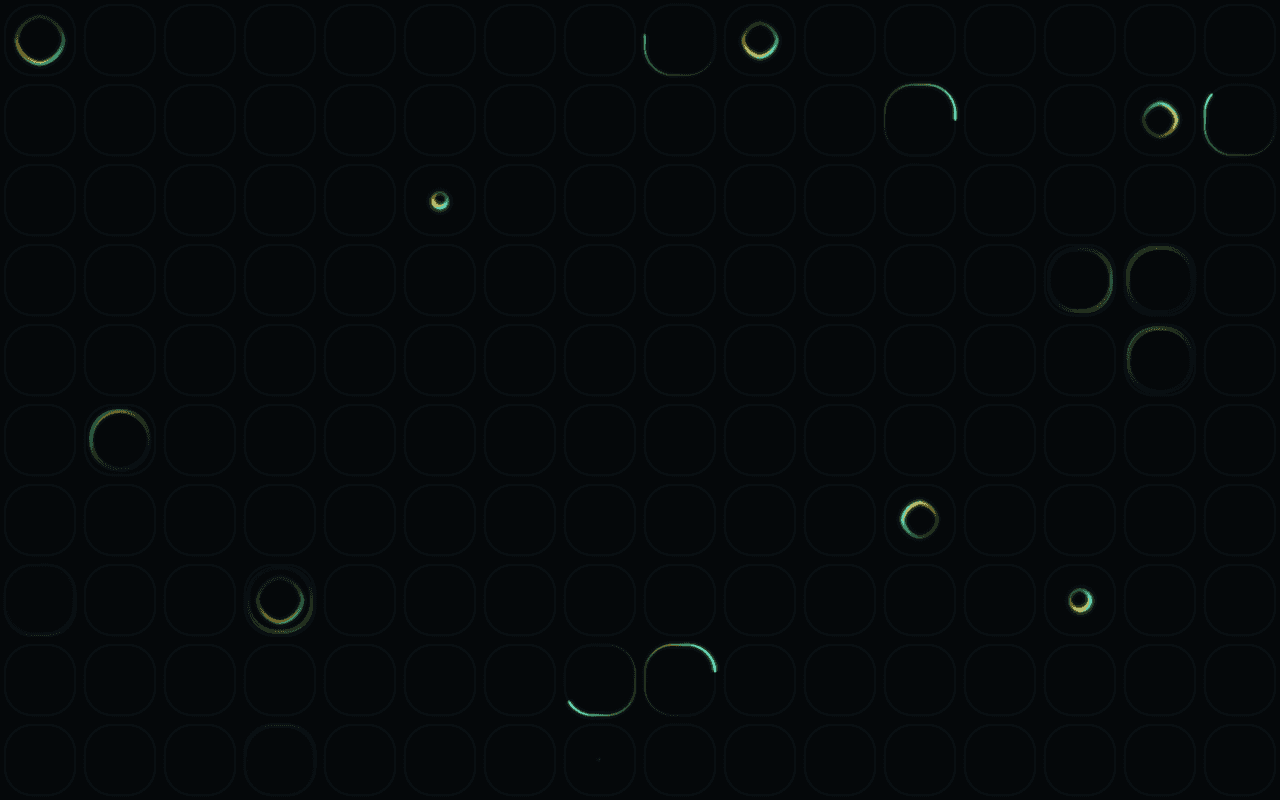
A WebGPU grid of rounded cells for React that pulse with rings of light, and light up along their rims around the pointer.
Part of Aperveil Shaders and Aperveil Pro · Coming soon. The live demo is open; editing and downloads open in a later release. Free shaders and blocks are available now.
Color Looks
THE SYSTEM BEHIND THE SURFACE
Inside Pulse Grid.
Pulse Grid lays a dark grid of small rounded cells across the page. Now and then a cell lets out light: a ring opening from a point to its rounded edge, two rings one after the other, or an arc running once round its rim, each split between two colors. Move the pointer and the cells near it light along their rims, merging into one glowing shape that follows you; take it away and the grid falls quiet again.
Pulse Grid is decoration behind your content; its cells are not buttons or a data visualisation, and it does not lay out your own grid.
0.524 ms GPU timestamp median; p95 0.983 ms. 1440x900 @ dpr 1.5; Apple M2 (8-core GPU), Metal driver on macOS Version 26.6.2 (Build 25G83); measured 2026-10-19. This is a recorded headless sample, not a browser FPS or mobile-performance guarantee.
Cell size
How far apart the cells are, against the frame height.
Roundness
How round the cells' corners are.
Gap
The space between neighboring cells.
Pulses
How many cells are pulsing at once.
Color Looks preserve these settings. Open the editor for all 15 controls.
APERVEIL PRO
Coming soon.
The live demo is open above and in the editor. Editing its settings and downloading it open with Aperveil Pro in a later release. Free shaders and blocks are available now.
Explore shadersTHE SURFACE IN CONTEXT
Made for a real interface.
Sit behind a features section, a developer tool or a pricing table, where the pointer's light rewards exploring.
Developer platform
Every request, accounted for.
An illustrative product page with the grid behind its features.
An illustrative layout. Your content stays in HTML; the shader sets the atmosphere.
Try this surface in the editorA FEW USEFUL DETAILS
Before you ship.
What this surface does, where it fits, and where it stops.
ANOTHER WAY TO SEE IT
Keep exploring.

YOUR COLORS. YOUR CONTEXT.