LED Bloom: Silver, on a wall of light.
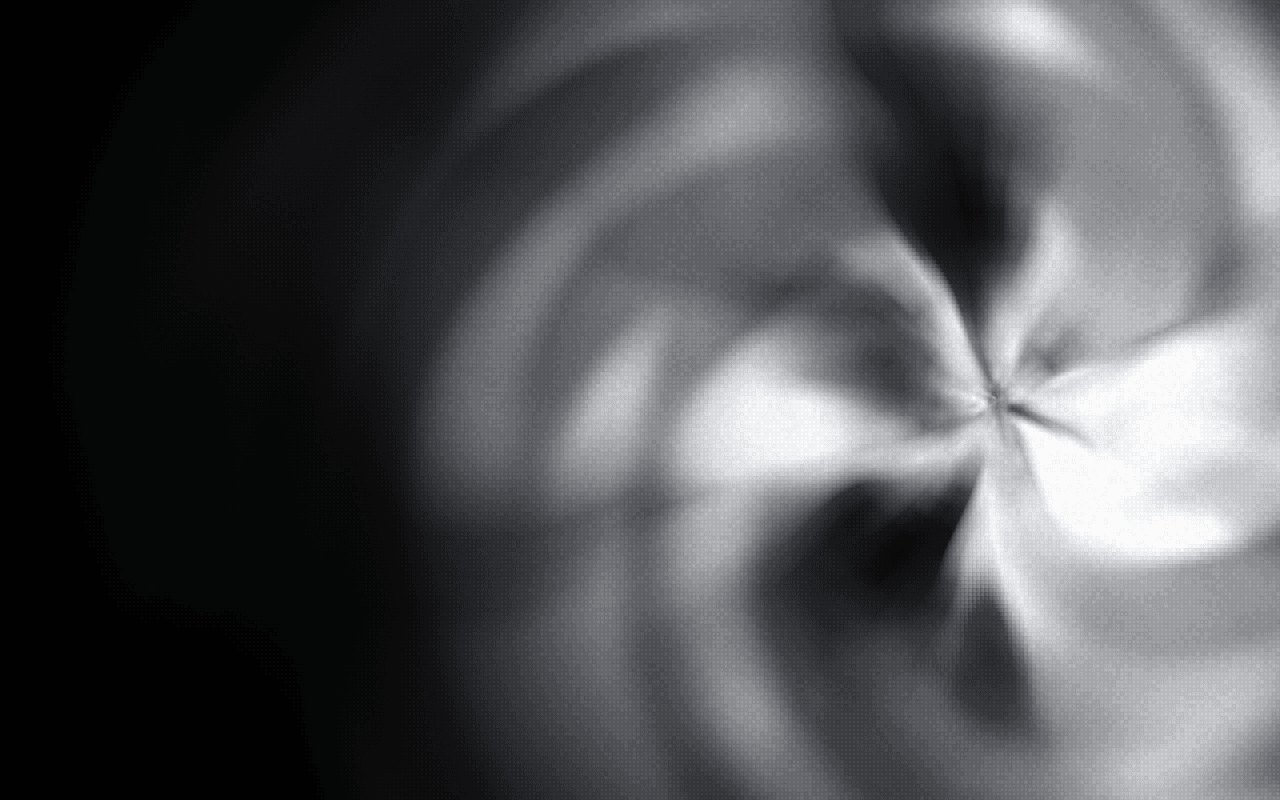
An LED-wall background for React: a pinwheel of silver-white light sprays outward from its center like vapor, seen through soft square LED cells, in WebGPU.
Part of Aperveil Shaders and Aperveil Pro · Coming soon. The live demo is open; editing and downloads open in a later release. Free shaders and blocks are available now.
Color Looks
THE SYSTEM BEHIND THE SURFACE
Inside LED Bloom.
LED Bloom paints a pinwheel of overlapping petals of silver-white light that meet in thin seams at its center, measured from a reference still, and shows it on an LED wall: soft square cells, a little uneven, whose gaps the brightest light floods. Its paint sprays outward from the center like vapor: the petals curl and drift as they travel, come out in puffs that spiral away and thin before they spread far, while new paint keeps coming from the middle. The pointer scatters the LEDs: the cells round it are tossed outward, each a little its own way and a little smaller, leaving a dark clearing with the wall's light thrown to its edge, and they fall back into place when it moves on. Hover set to Glow lights the cells under the pointer instead.
LED Bloom shows its own bloom of light; it does not put your images or video on the LED wall, and it is not a physical fluid simulation.
4.063 ms GPU timestamp median; p95 8.913 ms. 1440x900 @ dpr 1.5; Apple M2 (8-core GPU), Metal driver on macOS Version 26.6.2 (Build 25G83); measured 2026-10-18. This is a recorded headless sample, not a browser FPS or mobile-performance guarantee.
Position
Where the vanes meet.
Twist
An extra turn of the petals as they run outward, on top of their own.
Reach
The size of the bloom: how far the color reaches before fading into the background.
Cells
How many LED cells span the height of the frame.
Color Looks preserve these settings. Open the editor for all 24 controls.
APERVEIL PRO
Coming soon.
The live demo is open above and in the editor. Editing its settings and downloading it open with Aperveil Pro in a later release. Free shaders and blocks are available now.
Explore shadersTHE SURFACE IN CONTEXT
Made for a real interface.
Give a music, event or creative-studio page an energetic hero: the bloom sits beside the copy and the LED grid reads as a stage screen.
Three nights, four stages
Turn it all the way up.
An illustrative festival page with the LED bloom as its stage screen.
An illustrative layout. Your content stays in HTML; the shader sets the atmosphere.
Try this surface in the editorA FEW USEFUL DETAILS
Before you ship.
What this surface does, where it fits, and where it stops.
ANOTHER WAY TO SEE IT
Keep exploring.

YOUR COLORS. YOUR CONTEXT.