Bloom Sweep: Satin, in full bloom.
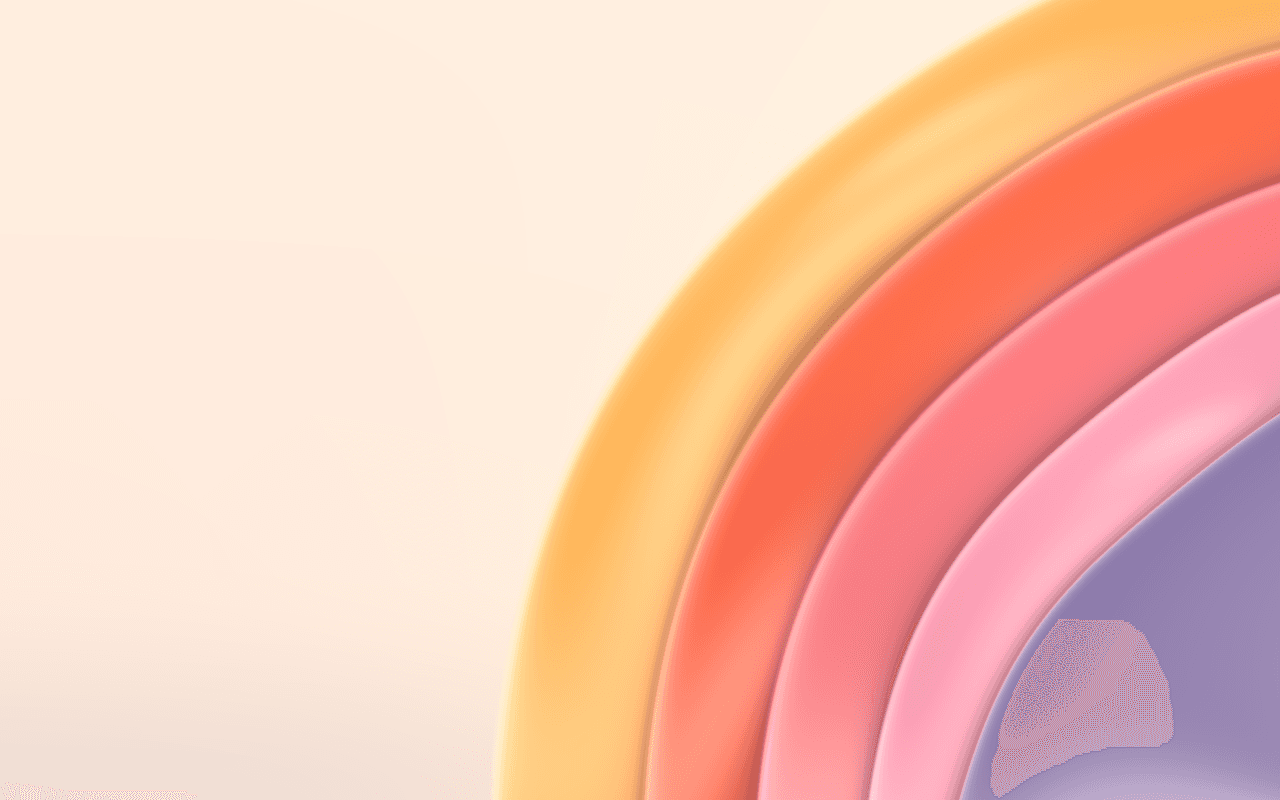
A layered satin background for React: rounded layers stacked like opening petals sweep out of the corner of a light ground, with soft shadows, in WebGPU.
Part of Aperveil Shaders and Aperveil Pro · Coming soon. The live demo is open; editing and downloads open in a later release. Free shaders and blocks are available now.
Color Looks
THE SYSTEM BEHIND THE SURFACE
Inside Bloom Sweep.
Bloom Sweep stacks rounded satin layers round a point just off the lower right of the frame, each a little smaller than the one behind it, so they show as nested crescents that open like the petals of a bloom. Each layer is barely domed with a rim that rolls under; a soft key light from the upper left sends a broad satin sheen round its rim, and a fine bright line runs along its edge. Where one layer lies on the next it lays a soft plum shade, so every layer reads as its own sheet. The rims ripple gently and the layers breathe one after another.
Bloom Sweep is authored satin layers with a fixed studio light, not a physical cloth or flower simulation, and it does not wrap your own images.
4.26 ms GPU timestamp median; p95 8.716 ms. 1440x900 @ dpr 2; Apple M2 (8-core GPU), Metal driver on macOS Version 26.6.2 (Build 25G83); measured 2026-10-16. This is a recorded headless sample, not a browser FPS or mobile-performance guarantee.
Layers
How many rounded layers are stacked in the bloom.
Spacing
How far apart the layers' rims sit.
Radius
The size of the back layer, in frame heights; the others follow it.
Centre
The point the layers are stacked round, across and down the frame; just off its lower right by default.
Color Looks preserve these settings. Open the editor for all 21 controls.
APERVEIL PRO
Coming soon.
The live demo is open above and in the editor. Editing its settings and downloading it open with Aperveil Pro in a later release. Free shaders and blocks are available now.
Explore shadersTHE SURFACE IN CONTEXT
Made for a real interface.
Open a beauty, fragrance or lifestyle launch on a light ground: the bloom rises from the corner and leaves the upper left clear for the heading.
Eau de parfum
A morning, bottled.
An illustrative fragrance launch with the satin bloom opening from the corner of the hero.
An illustrative layout. Your content stays in HTML; the shader sets the atmosphere.
Try this surface in the editorA FEW USEFUL DETAILS
Before you ship.
What this surface does, where it fits, and where it stops.
ANOTHER WAY TO SEE IT
Keep exploring.

YOUR COLORS. YOUR CONTEXT.