Armillary: Rings that turn round your idea.
A WebGPU armillary sphere for React: polished bands turning round one center in chrome, gold, glass, foil or pearl, with rounded or crisp edges.
Part of Aperveil Shaders and Aperveil Pro · Coming soon. The live demo is open; editing and downloads open in a later release. Free shaders and blocks are available now.
Color Looks
THE SYSTEM BEHIND THE SURFACE
Inside Armillary.
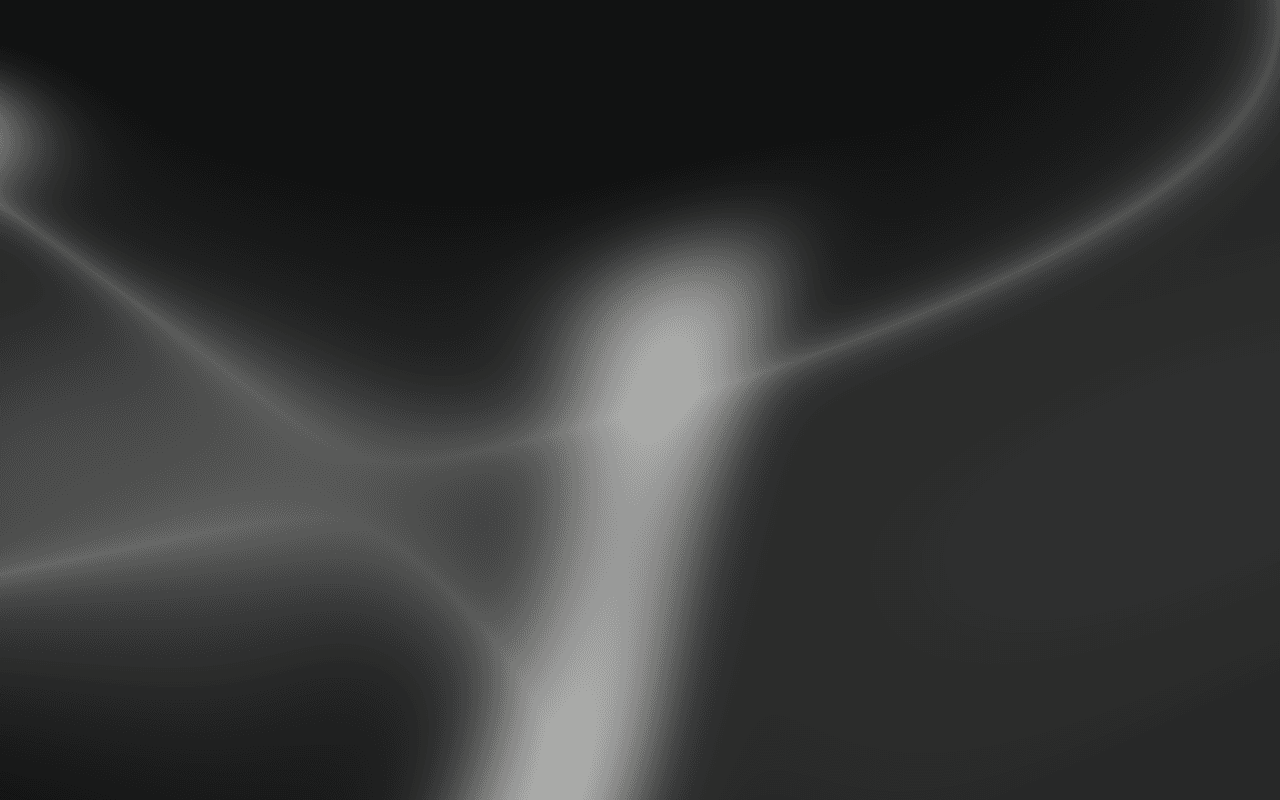
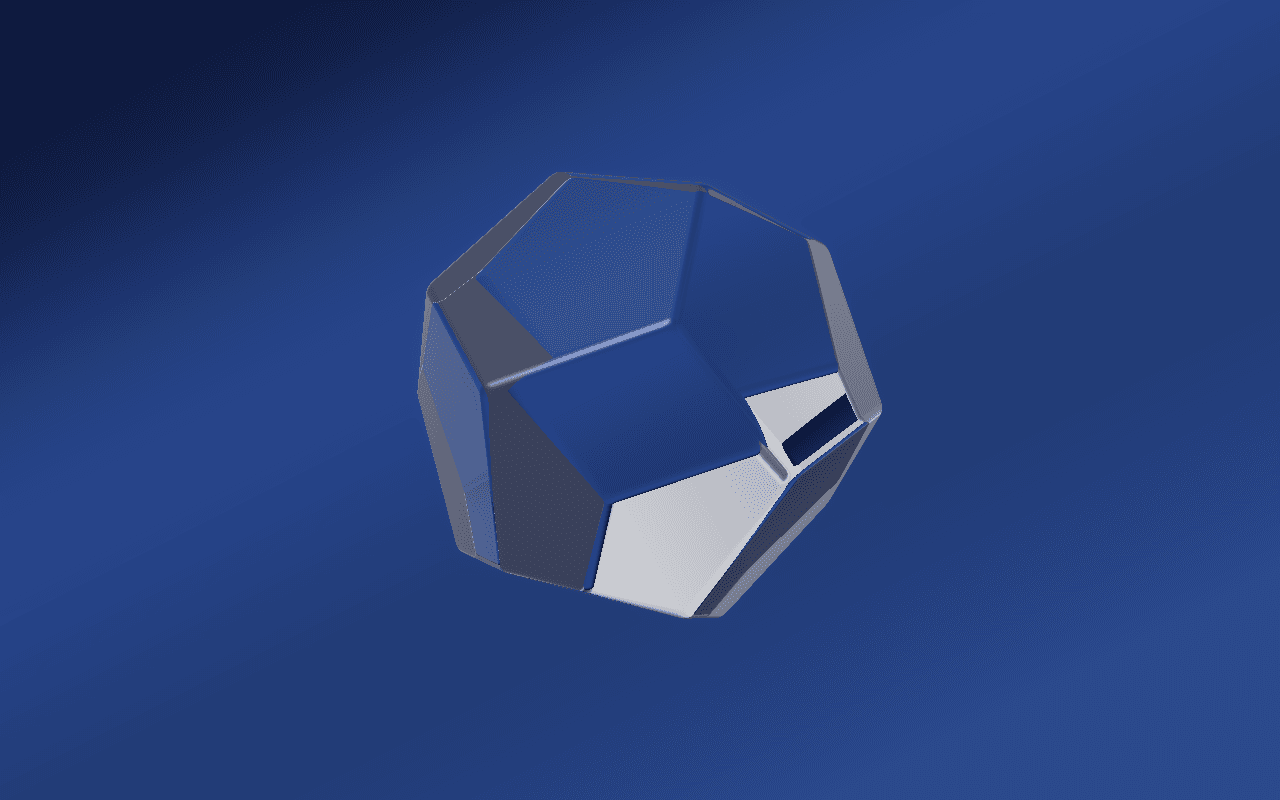
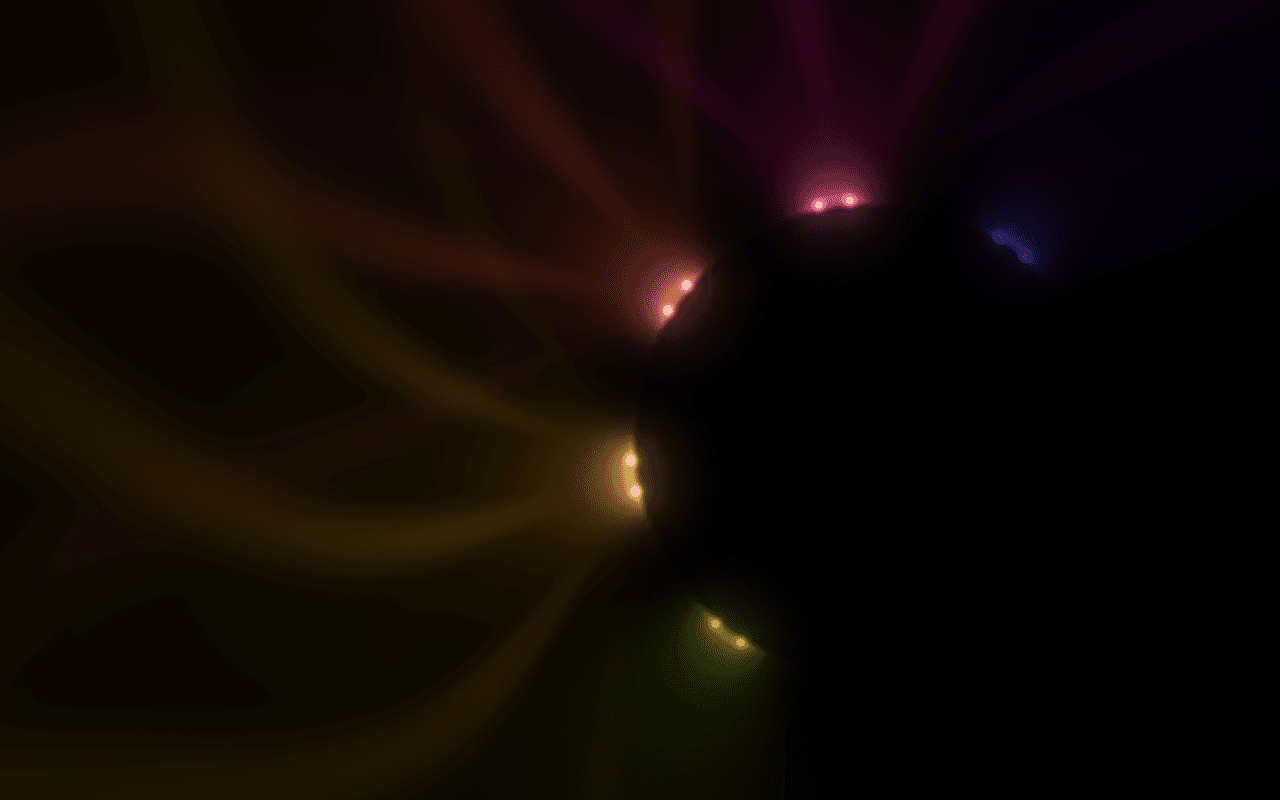
Armillary turns up to five bands round one center, each on its own axis, as the rings of an armillary sphere do, so they cross, part and now and then fall into line. Every band is traced exactly with its real thickness, and its edges are as round or as crisp as you set them. Choose the finish: polished chrome, gold, copper, brushed aluminum with its streaked highlight, holographic foil whose rainbow walks with the angle, clear glass, pearl or matte. A dark studio lights them: long softboxes mirrored along each band, a warm panel low on one side and a cool light that catches the rims. Move the pointer and the sphere turns toward it.
Armillary draws its own rings in its own studio; it does not load 3D models, reflect your page or cast shadows onto other elements.
6.423 ms GPU timestamp median; p95 6.947 ms. 1440x900 @ dpr 1.25; Apple M2 (8-core GPU), Metal driver on macOS Version 26.6.2 (Build 25G83); measured 2026-10-20. This is a recorded headless sample, not a browser FPS or mobile-performance guarantee.
Finish
What the bands are made of.
Rings
How many bands turn round the centre.
Size
The radius of the largest band.
Band width
How tall each band is, against its radius.
Color Looks preserve these settings. Open the editor for all 17 controls.
APERVEIL PRO
Coming soon.
The live demo is open above and in the editor. Editing its settings and downloading it open with Aperveil Pro in a later release. Free shaders and blocks are available now.
Explore shadersTHE SURFACE IN CONTEXT
Made for a real interface.
Hold a product launch, an astronomy-themed brand or a premium hero: the sphere to one side, the words on the other, on a dark page.

Precision instruments
Every axis, in balance.
An illustrative product page with the turning rings beside the headline.
An illustrative layout. Your content stays in HTML; the shader sets the atmosphere.
Try this surface in the editorA FEW USEFUL DETAILS
Before you ship.
What this surface does, where it fits, and where it stops.
ANOTHER WAY TO SEE IT
Keep exploring.
YOUR COLORS. YOUR CONTEXT.