Drawn in a thousand dots.
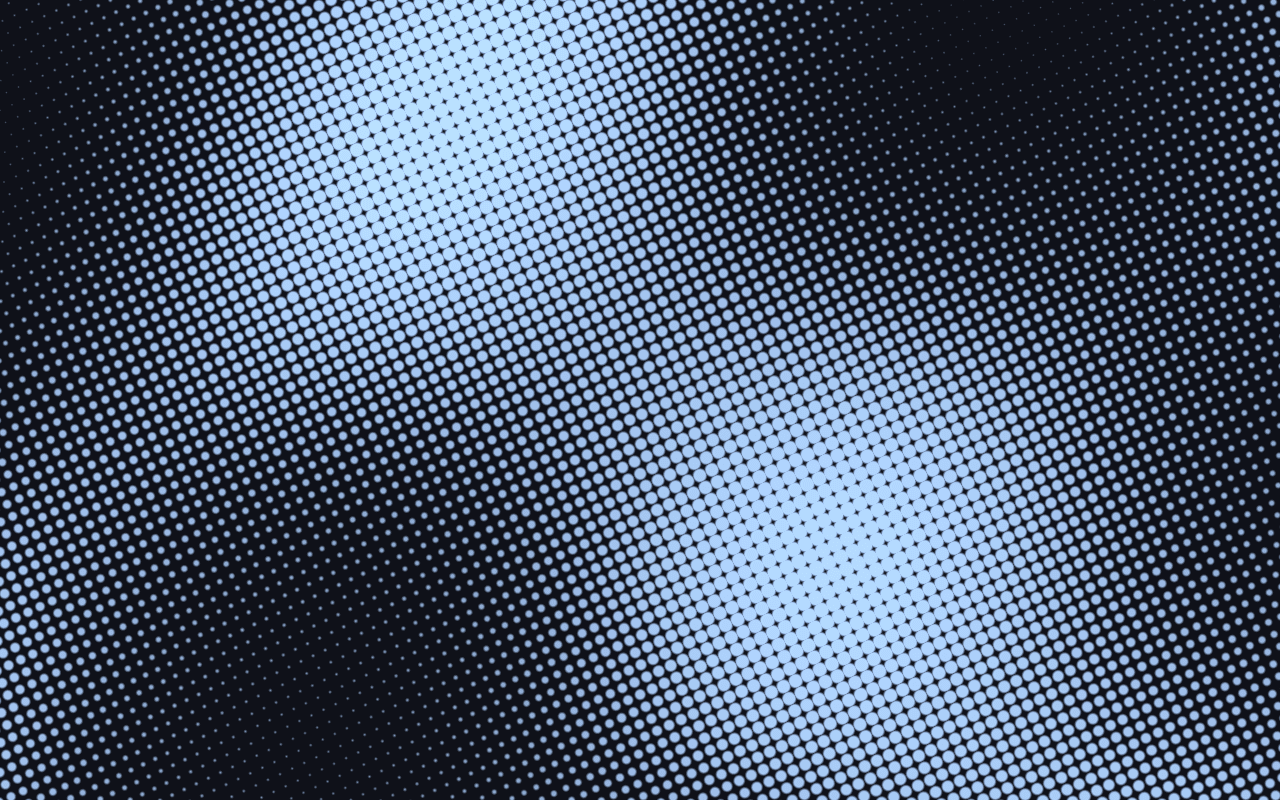
A softly folded sheet shaded in evenly scattered ink dots, with a magnifying lens at the cursor, or your own image or video printed in the same dots. A WebGPU stipple background for React.
Part of Aperveil Pro · Coming soon. The live demo is open; editing and downloads open in a later release. Free shaders and blocks are available now.
THE SYSTEM BEHIND THE SURFACE
Inside Stipple Relief.
A sheet with broad, slow folds is lit from one side and printed the way a stippler draws: ink dots, one to each cell of a grid and each nudged off its centre, so the spacing is even without falling into rows. A dot's size is the tone it carries. Where the sheet is light, small dark dots sit on pale paper; as it darkens they grow and merge into a mesh, and where it falls away only small pale specks remain on deep ink, one continuous print from light to deep. The dots stay where they are and only grow and shrink, so as the folds roll the print breathes instead of shimmering. A lens of glass follows the cursor and magnifies the print under it, dots and all. Instead of the sheet, the print can carry an image or a video, its own rose and candle clips or the visitor's file, printed in the same dots, and Invert prints it as a negative; this page opens on petals falling through the dark, printed in ink on pale paper.
Stipple Relief imitates a stippled print on screen: it does not produce vector stipple files or plotter paths, and its folded sheet is a lit height field, not a 3D model. Images and videos play in the browser; they are not uploaded.
3.08 ms GPU timestamp median; p95 3.146 ms. 1440x900 @ dpr 2; Apple M2 (8-core GPU), Metal driver on macOS Version 26.6.2 (Build 25G83); measured 2026-10-12. This is a recorded headless sample, not a browser FPS or mobile-performance guarantee.
Dot spacing
Distance between dots, in device pixels.
Scatter
How far each dot strays from an even grid. Zero lines them up in rows.
Top to foot
How strongly the print deepens from the top of the frame to its foot.
Fold depth
How deep the folds of the sheet are, and so how much they shade the print.
Color Looks preserve these settings. Open the editor for all 16 controls.
THE SURFACE IN CONTEXT
Made for a real interface.
Give an editorial site, a research institute, a publisher or an architecture practice a quiet, printed texture. Keep type over the light upper part of the sheet, choose Graphite or Sage Ink for a sober corporate page, or print your own product photograph in dots.

Issue 12 · Autumn
On patience, and paper.
An illustrative journal cover that uses a stippled print as its quiet backdrop.
An illustrative layout. Your content stays in HTML; the shader sets the atmosphere.
Try this surface in the editorAPERVEIL PRO
Coming soon.
The live demo is open above and in the editor. Editing its settings and downloading it open with Aperveil Pro in a later release. Free shaders and blocks are available now.
Explore shadersA FEW USEFUL DETAILS
Before you ship.
What this surface does, where it fits, and where it stops.
ANOTHER WAY TO SEE IT
Keep exploring.


YOUR COLORS. YOUR CONTEXT.