Seen through reeded glass.
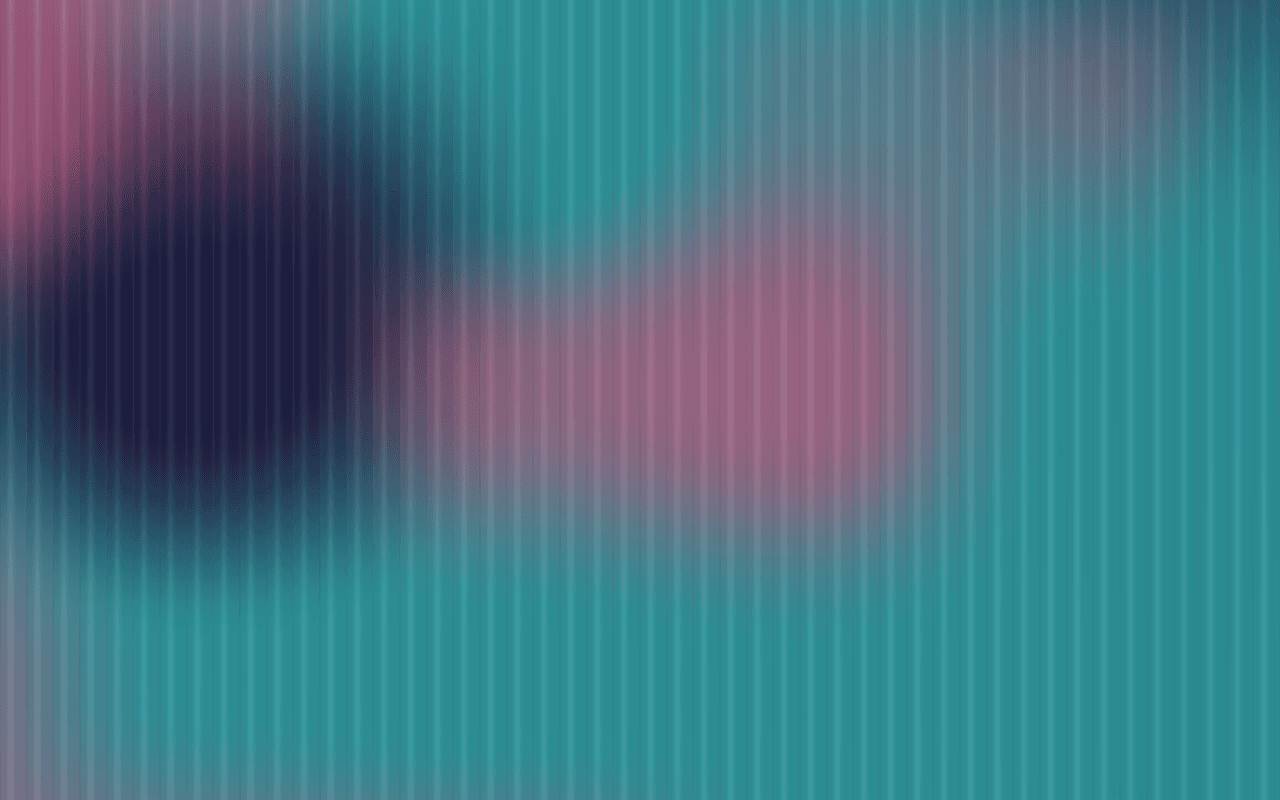
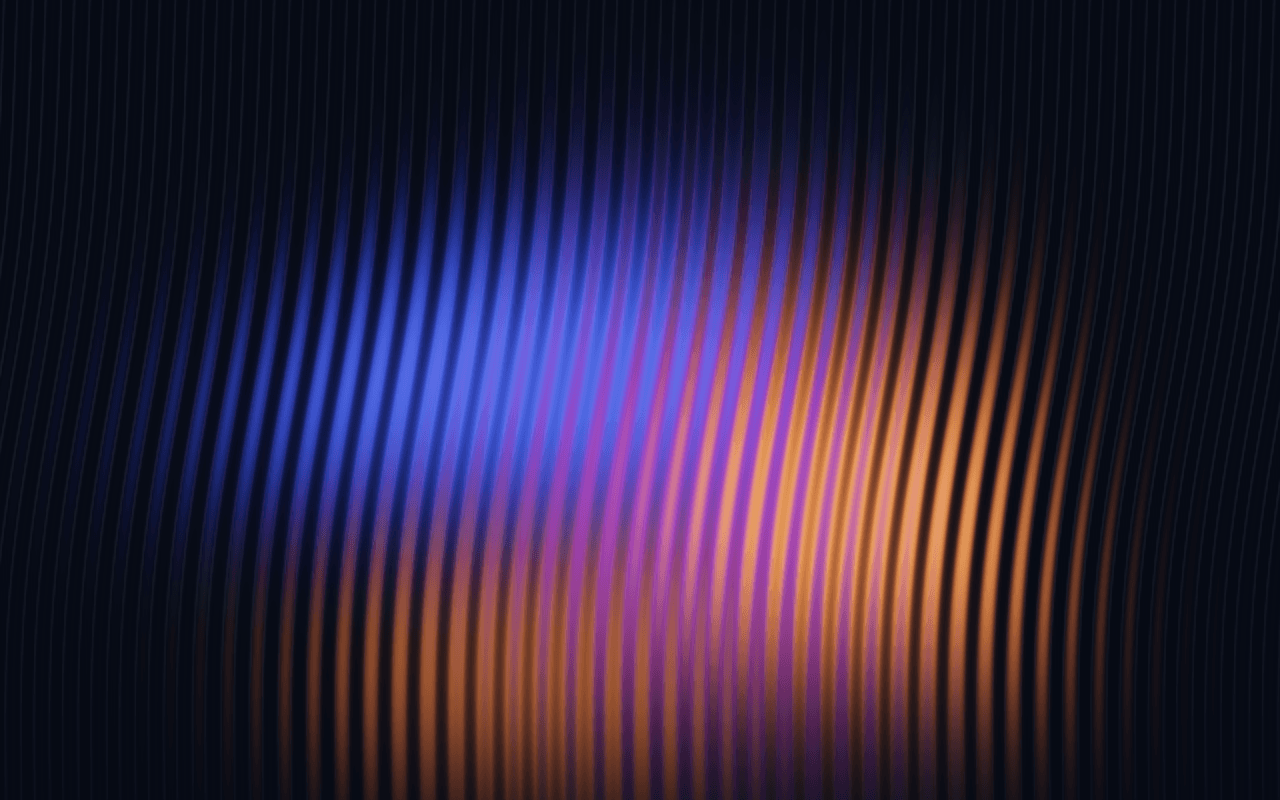
Soft, luminous forms seen through a pane of reeded glass, every reed breaking a rising edge into sharp teeth, or your own image or video behind the flutes. A WebGPU fluted glass background for React.
Part of Aperveil Pro · Coming soon. The live demo is open; editing and downloads open in a later release. Free shaders and blocks are available now.
THE SYSTEM BEHIND THE SURFACE
Inside Reeded Waveform.
Behind the glass, a single great arc of blue-grey rises from the lower left, lit in peach along its edge over a dark ground, with a warm glow low in the middle. In front of it stands a pane of narrow vertical reeds. Each reed is a small curved lens: it squeezes and mirrors its slice of the scene and, because it is slightly tilted, lifts that slice by an amount that grows across it. A sloping edge behind the glass therefore climbs inside every reed and drops back at the next, and the smooth arc becomes a row of sharp teeth. Light spreads down each reed, so the scene is soft vertically and crisp across; every reed is shaded like a cylinder and catches a thin highlight. The forms breathe slowly, so the teeth rise and fall on their own, and the cursor moves the scene behind the glass. An image or a video can stand behind the reeds instead: then each reed bends it as a lens with no seam between them, so it reads as a clean picture behind fluted glass.
Reeded Waveform refracts its own scene or a chosen image or video; it does not refract your page's HTML, and its reeds are an optical model, not a ray-traced pane of glass. Its teeth are not an audio waveform or data.
1.966 ms GPU timestamp median; p95 2.032 ms. 1440x900 @ dpr 1.5; Apple M2 (8-core GPU), Metal driver on macOS Version 26.6.2 (Build 25G83); measured 2026-10-12. This is a recorded headless sample, not a browser FPS or mobile-performance guarantee.
Reeds
How many reeds run across the pane.
Reed tilt
How much each reed lifts its slice of the scene; this is what turns a rising edge into teeth.
Lens
How each reed squeezes what is behind it; below zero it mirrors it, as a real reed does.
Frost
How far light spreads down each reed, softening the scene behind.
Color Looks preserve these settings. Open the editor for all 17 controls.
THE SURFACE IN CONTEXT
Made for a real interface.
Give an architecture or interiors studio, a hardware product or a financial brand a precise, luminous surface. Set type over the dark left side, choose Frosted Day or Porcelain for a light page, or put your own product film behind the reeds.

Architectural lighting
Light, shaped by glass.
An illustrative product page for a lamp behind a fluted glass diffuser.
An illustrative layout. Your content stays in HTML; the shader sets the atmosphere.
Try this surface in the editorAPERVEIL PRO
Coming soon.
The live demo is open above and in the editor. Editing its settings and downloading it open with Aperveil Pro in a later release. Free shaders and blocks are available now.
Explore shadersA FEW USEFUL DETAILS
Before you ship.
What this surface does, where it fits, and where it stops.
ANOTHER WAY TO SEE IT
Keep exploring.
YOUR COLORS. YOUR CONTEXT.